Everything you need to show up everywhere, built from the Melissa Suddath brand. Three moves: set up your profiles, post to your feed, own the inbox.
More than a launch kit. Covers, banners, announcements, review graphics, post templates — every graphic your accounts need, generated from your brand.
Your brand, already built into the graphics you need to launch. Every asset is sized to its platform and downloads as a high-resolution PNG. No design tools, no waiting. Want different wording? Click any line of text on a graphic, type your own, and download — your edit is what gets saved.
The first thing people see. Three looks per platform, each with a photo edition built on Melissa's real Zillow listings — click the photo on any cover to swap in a different one.
Tell the world. Post the square to your feed and the vertical to your Story the same day.
Your differentiator, made tangible. Print the one-pager for listing appointments and open houses; post the graphics so your market learns your process by name. Click any line to edit it.
Evergreen graphics in your voice. Drop a photo into the listing templates, click any line to make it this week's address and price; the quote post is ready as-is.
Melissa's sign system, exactly as ordered: Playfair Display up top, Montserrat details, black or bone. Click any line to adjust it, download at true 24 × 36 print resolution, and hand the file straight to the sign shop.
Your business card, front and back — 3.5 × 2 with bleed accounted for, at true print resolution. Click any line to correct a number before you download; hand the PNGs straight to any print shop.
A matching set so your whole profile reads on-brand.
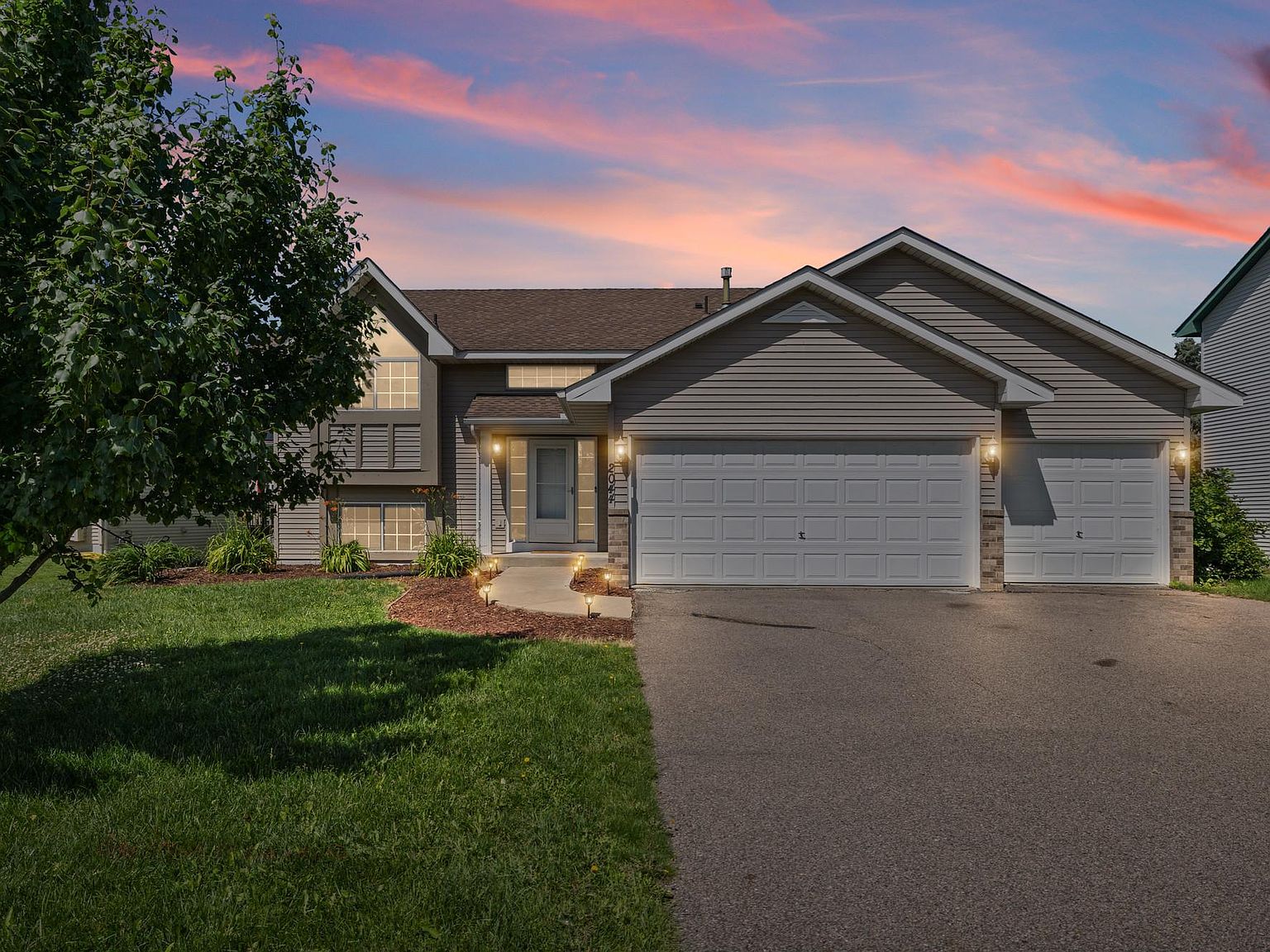
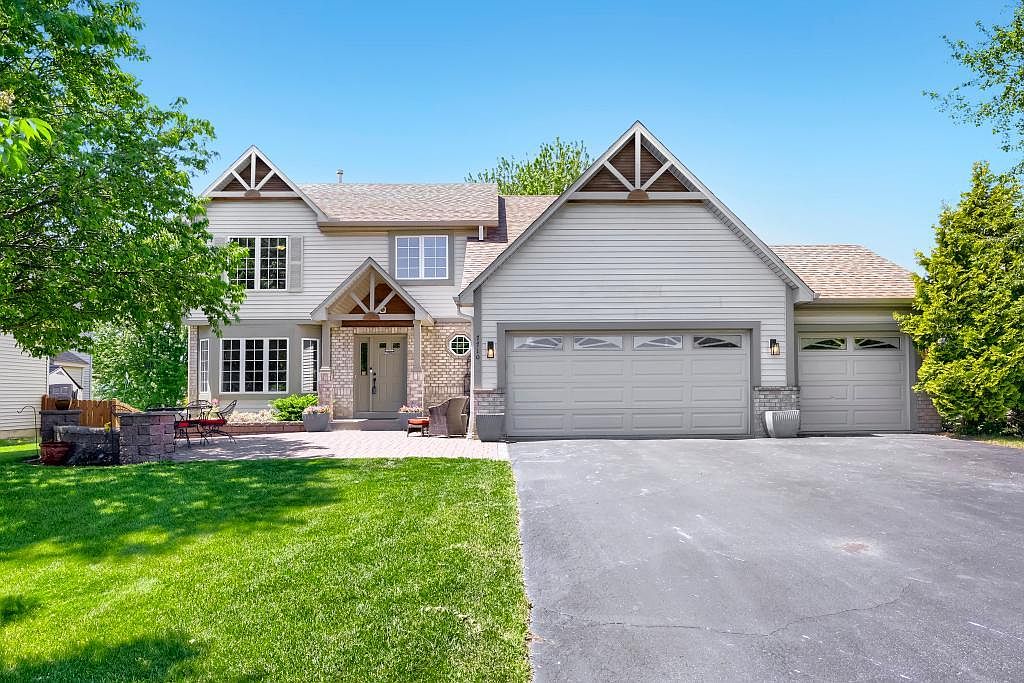
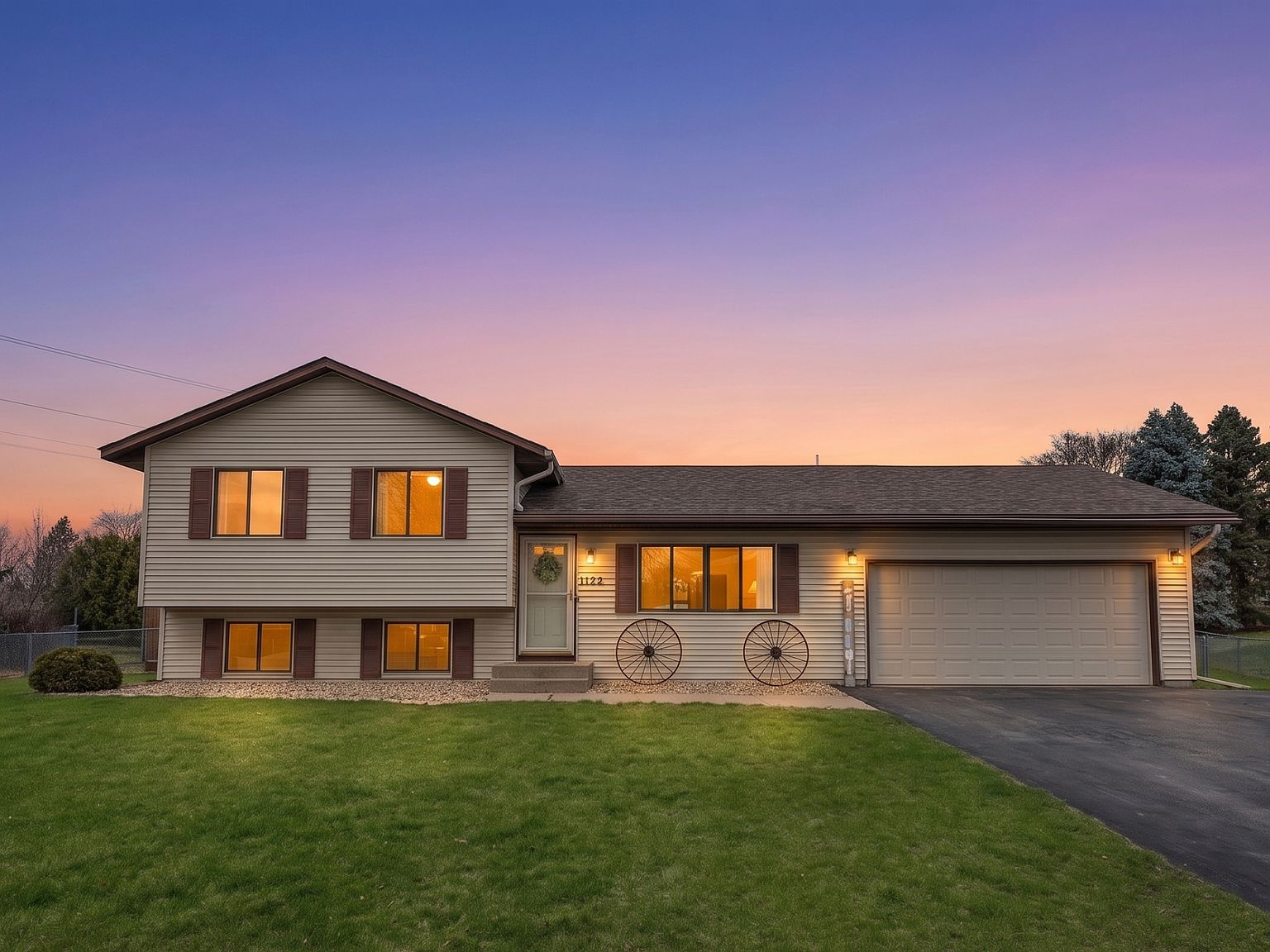
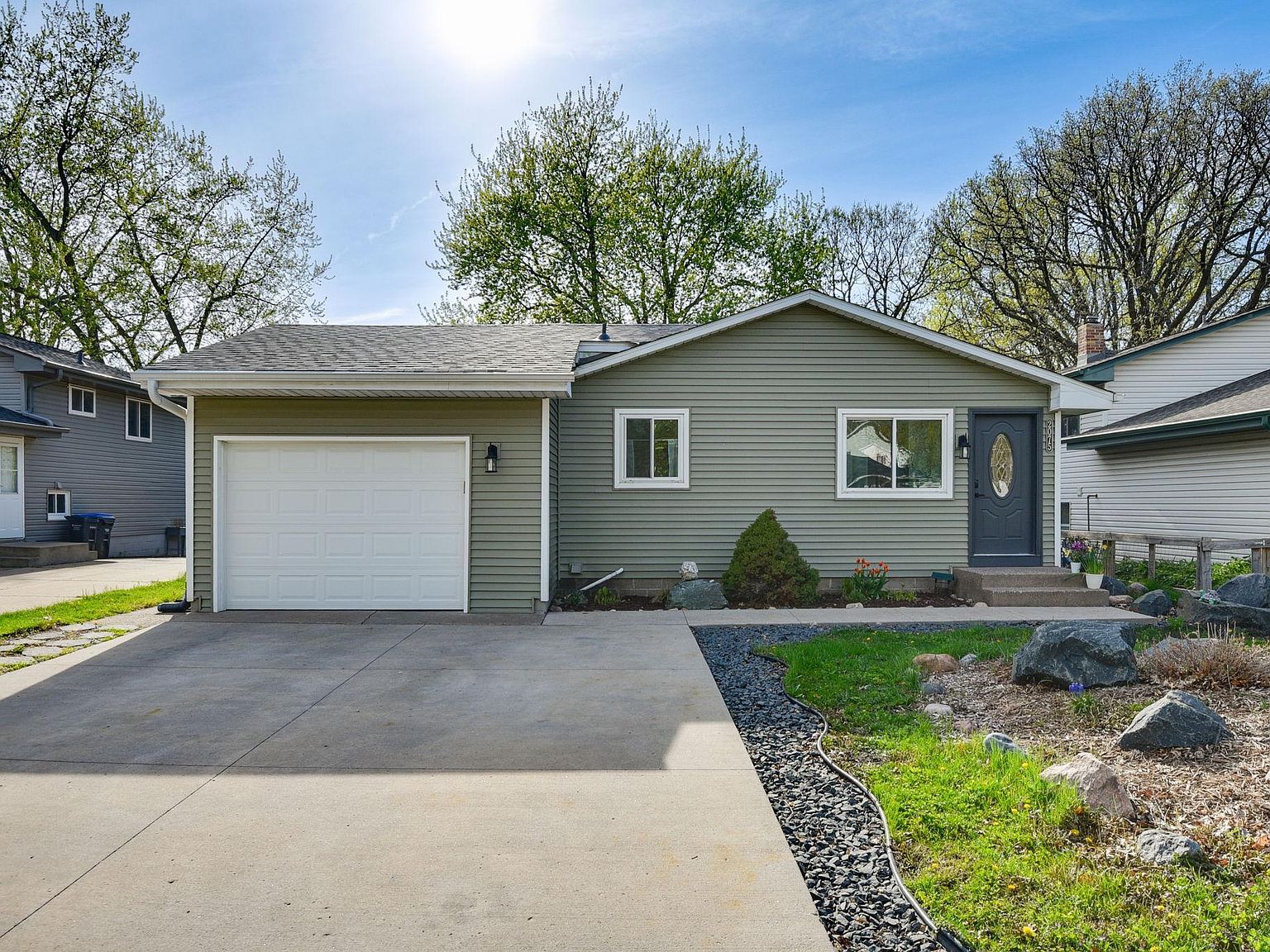
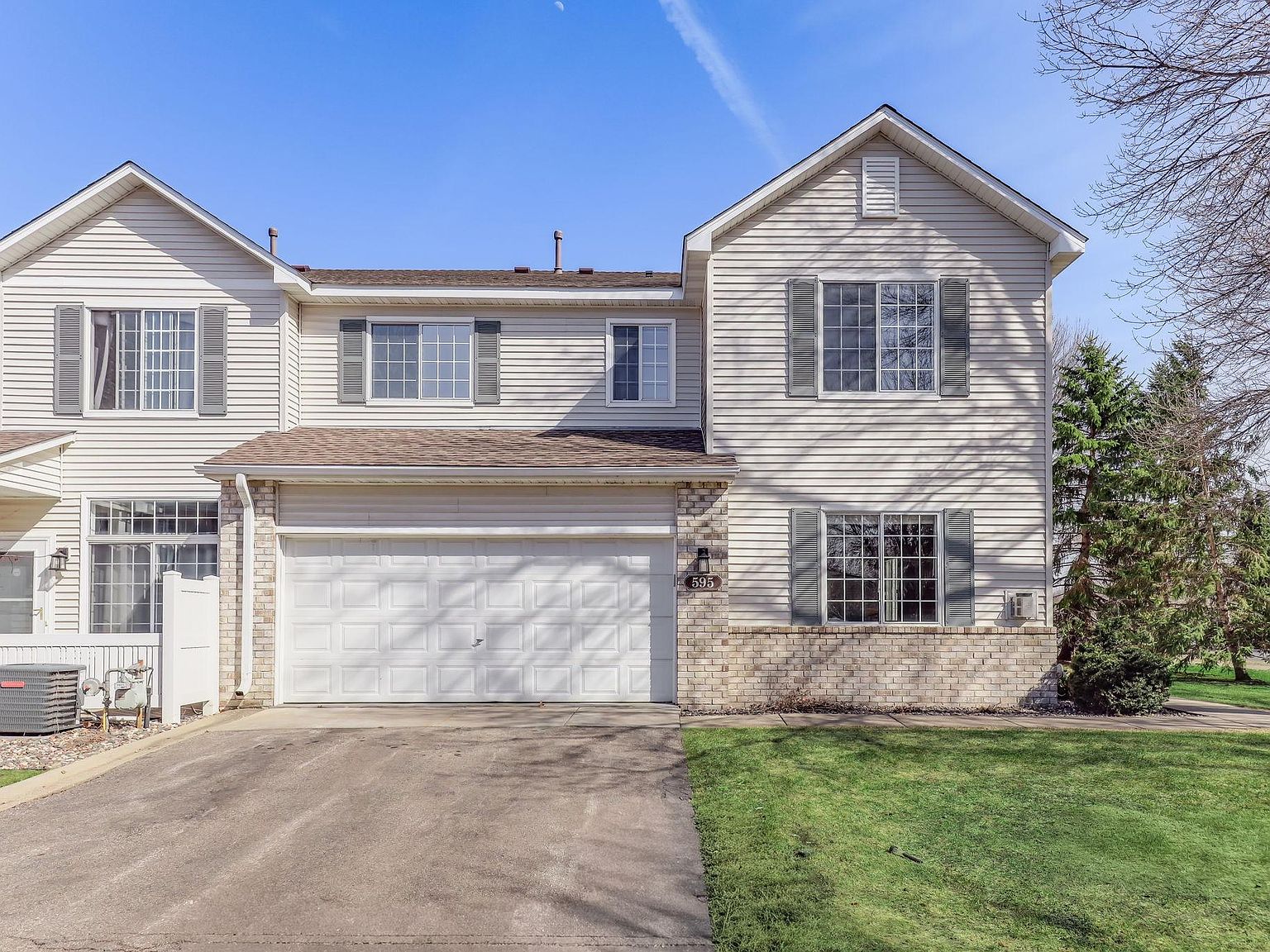
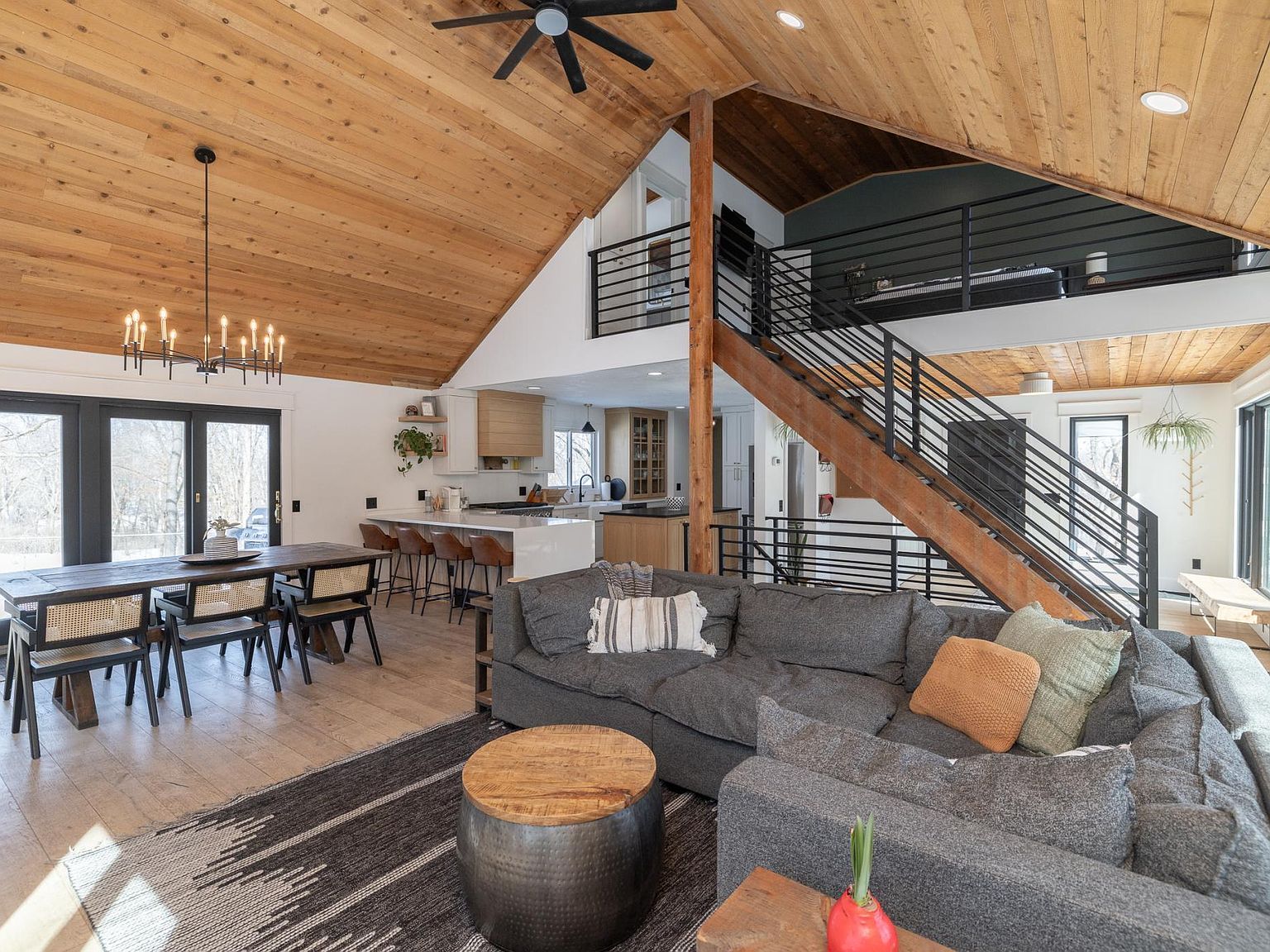
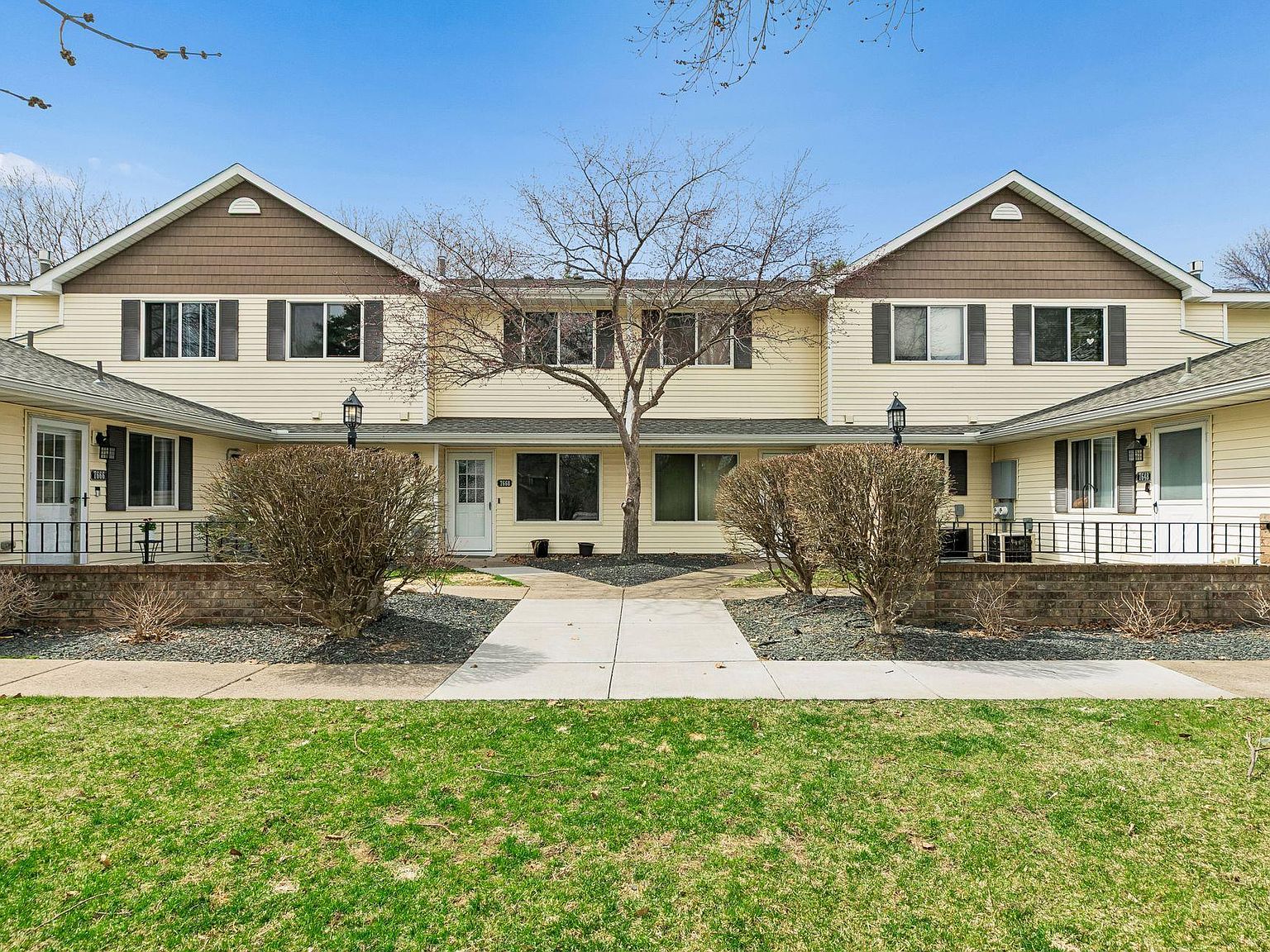
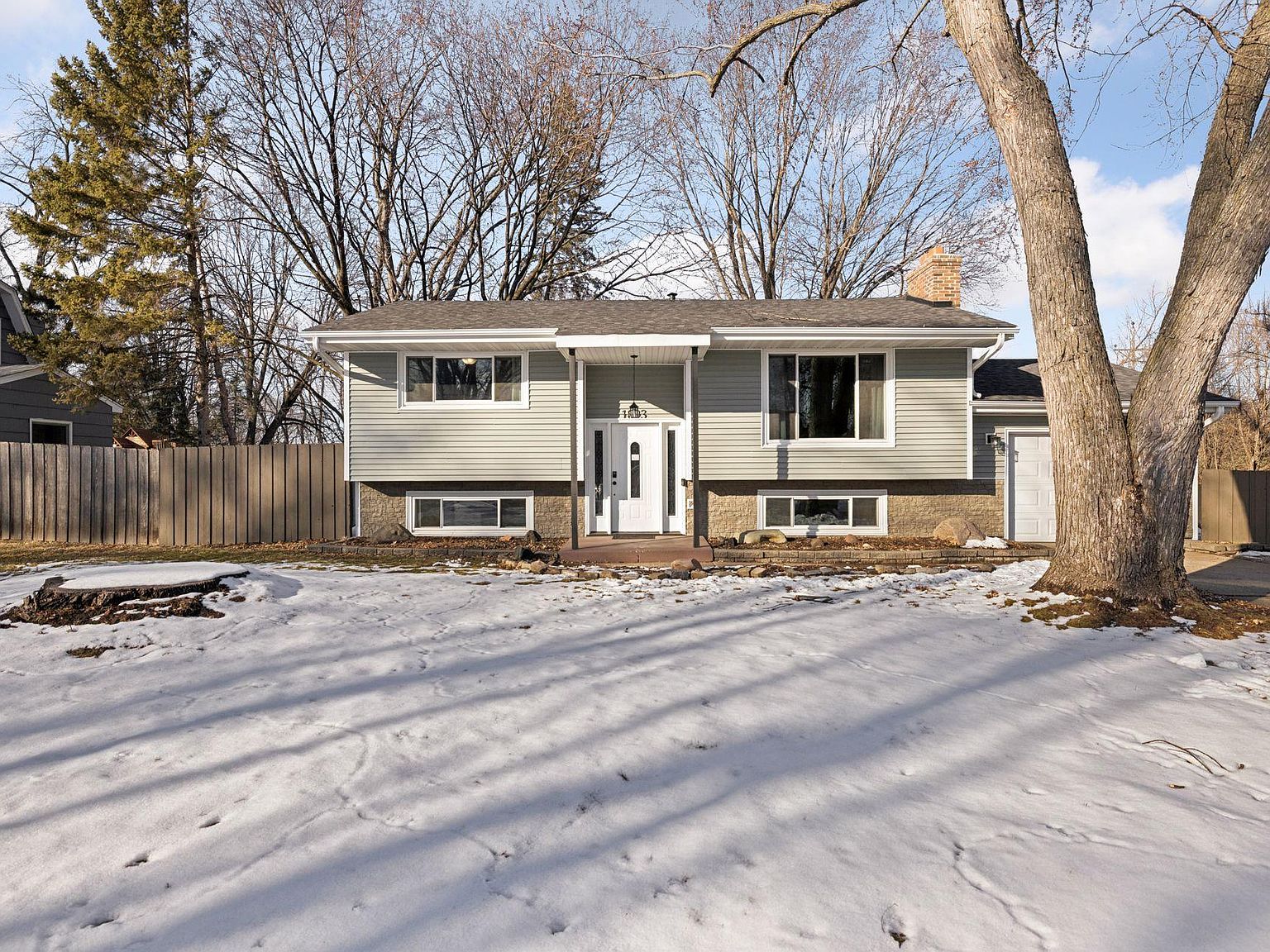
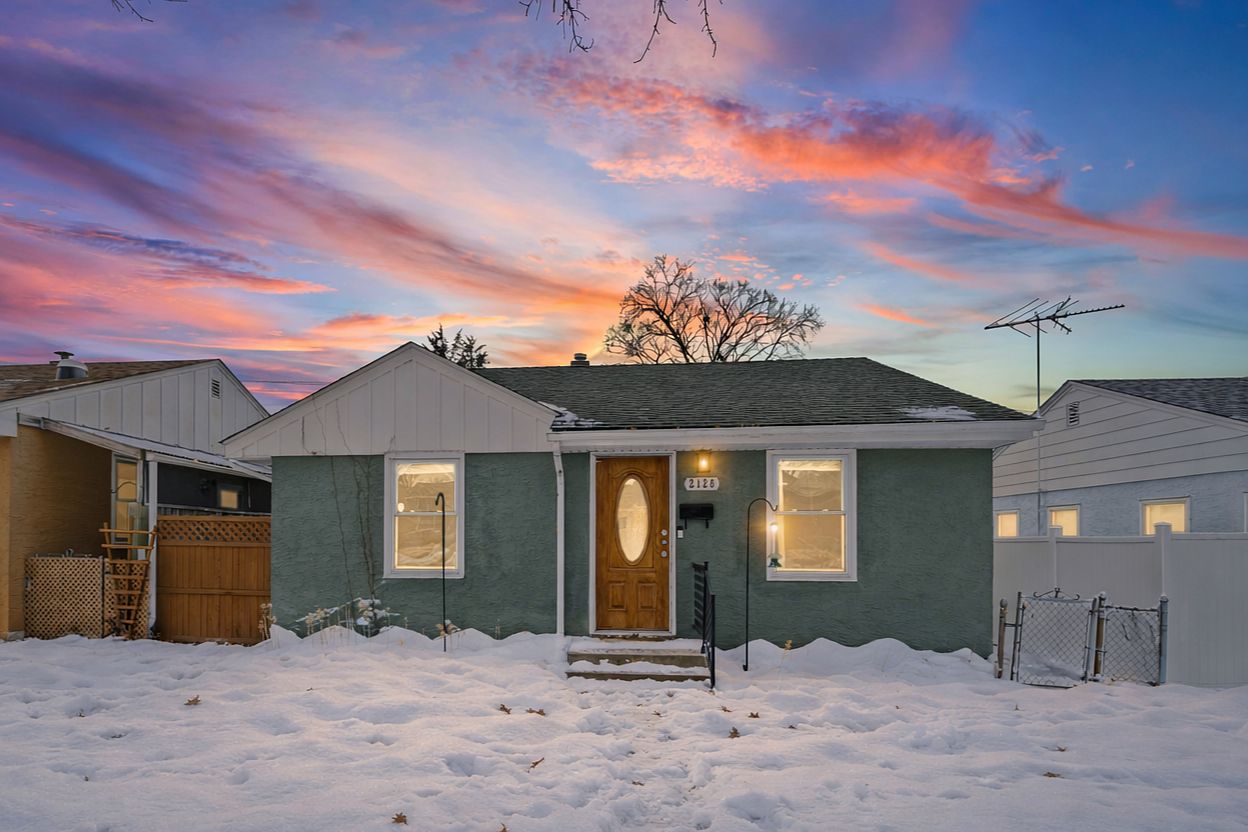
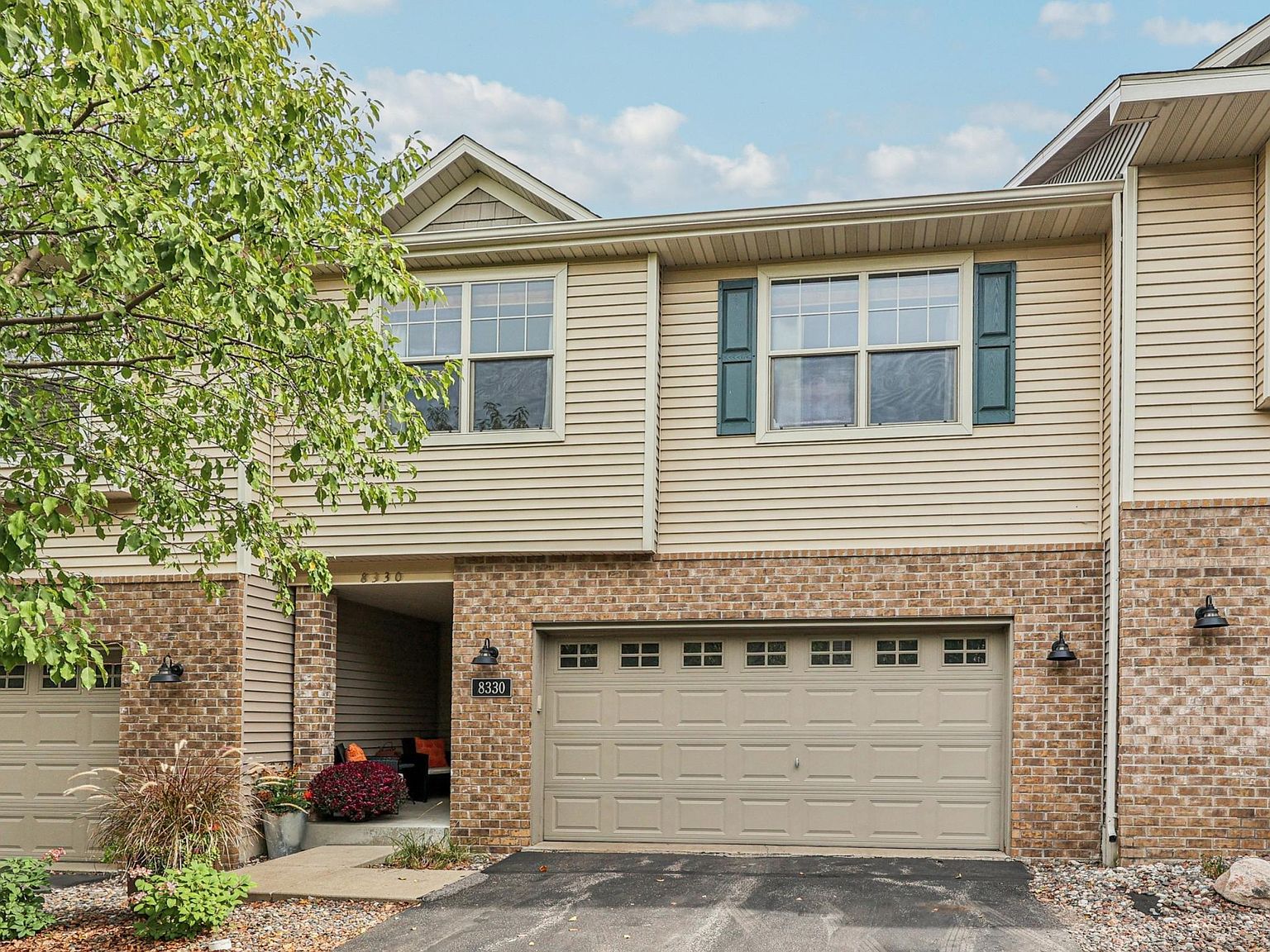
Melissa's actual work, pulled straight from her Zillow profile. Click any listing to open its full photo gallery. These photos power the covers, the post templates, and the carousel generator — and every one is a click away from any graphic on this page (click a photo on a cover or template to swap it). Download any photo to use it anywhere else.
For Sale
Sold
Sold
Sold
Sold
Sold
Sold
Sold
Sold
Sold
SoldBranded, print-ready guides in Melissa’s voice — honest, plain-spoken, and data-led, from the first conversation to the keys. Open one, hit Download PDF to save it, or hand it straight to a client. The free Next Chapter Kit doubles as a lead magnet you can give away to capture buyers and sellers heading into a life transition.
Six Steps, One Promise — the whole buying process, demystified, so you move with a plan instead of a hope.
Open & download PDF →Prep, price, and market your home with data and a written plan — and protect your equity through the whole move.
Open & download PDF →A five-minute, no-pressure kit for anyone whose life is changing — and whose home needs to change with it.
Open & download PDF →Tip: after clicking Download PDF, choose “Save as PDF” as the printer.
Your best marketing is what clients already said. Paste a review, add who said it if you like, and it becomes a branded graphic in both sizes — rebuilt live as you type, ready to download and post.
The preview shows a sample until you paste. First names or initials only — never full names.
A single scroll-stopping post in the webinar-grade style: real photo, editorial typography, a hook that says something specific. Pick the audience and the look, regenerate until it lands, click any line to reword it — then download.
Structure: specific hook → straight talk → comment CTA. Edit anything — the box is what you copy.
Your posting engine. Carousels aimed at your exact clients, plus thirty-second video ideas with hooks that stop the scroll. Edit anything, post everything.
Pick who you're talking to. The generator builds a five-slide Instagram carousel from your brand — the hook lands over one of your real Zillow listings, then their problem, your proven process, your voice — plus a caption that sounds like you. Don't like it? Regenerate or edit anything. When it's right, launch: the slides download and your profiles open, ready to post. You can also click any line of text on a slide to reword it.
Edit the caption directly — whatever is in the box is what you copy.
This is a script generator built on your niche. Pick your audience and it writes the script — a hook that stops the scroll and three beats to hit, pulled from your people's real objections, fears, and wins. Then prop up your phone and say it: thirty seconds, no production. New script every click.
Edit it — it's your caption. Post the video, paste this under it.
Own the inbox. Story-driven emails that sound like you, plus your branded signature on every message you send.
Pick who you're writing to, then tell one true story: a real client, what they were up against, what you did, how it ended. Never name clients — "my client" or "a couple in town" is exactly right. The generator builds the email around your story in your voice — opener, bridge, plan, and a no-pressure ask. Two rules: no real story, no email — and every new email needs a new story. That's what keeps them real.
Do NOT use AI to write this part. Type it the way you'd tell it out loud. Your reader can feel the difference — that's the entire point of this email.
Edit anything — it's your email. Add a greeting if your email tool doesn't do it for you.
Fill in your info, watch the live brand-styled preview, then copy it straight into Gmail, Outlook, or Apple Mail with one button.
Iconography
A searchable set in the brand style — social logos, real estate & business, and everyday objects. Search by word or synonym (try “apple”, “book”, “listings”, “buying”, “instagram”), filter by category, then download any icon as PNG or SVG for videos and graphics.
Generate Any Icon
Didn’t find it above? Type a word and pull a matching line icon from an open catalog of 200,000+, recolored to your brand color. Best with a single keyword — try “drone”, “chatbot”, “podcast”, “calculator”, “handshake”. Download as PNG or SVG.
Content Toolkit
Upload a photo of Nick working, type a line, and download a ready-to-post slide — a full-bleed photo with a dark overlay and your phrase centered, exactly like the carousels. Or use a brand background instead. Wrap a word in *asterisks* to emphasize it. Sizes for carousel posts, stories, and square.
Block Monday at 9:30. One structured hour with the tools above produces the next two weeks of content — two emails a week (Wednesday and Friday) and at least three posts a week (Tuesday, Thursday, Saturday). Nothing here starts before 9:30 AM and nothing touches your evenings: prospecting hours and showings stay yours.
Make it yours · Drag any card to a different day or time, click any title or time to rewrite it — the week saves on this device. Each event has a + Google link that adds it (weekly recurring) to your Google Calendar.
Mon create two weeks ahead · Tue carousel · Wed email · Thu video at lunch · Fri email · Sat stories · Sun off · nothing before 9:30 AM — mornings belong to your clients
The structure. Follow it and you walk out two weeks ahead — two emails a week, three posts a week, already made.
Write four short true stories and generate the next two weeks of emails in the Email Generator. Schedule them for Wednesday and Friday.
Open the Email Generator ↑Generate two weeks of carousels (two sets) and grab any story graphics from the Launch Kit. Download the ZIPs.
Open the Carousel Generator ↑Pull two video ideas and shoot both back-to-back while the light is good. Thirty seconds each, one take is fine.
Open the Video Generator ↑Load everything into your posting tool on the days below. Close the laptop. You are two weeks ahead.
melissa-suddath-week.ics from your downloads.Prefer one at a time? The + Google pill on each card adds just that event, no file needed.
Changed your mind? Open any imported event in Google Calendar → delete → "All events" removes the whole weekly series. Tip: import into a separate calendar (the import screen has an "Add to calendar" dropdown) and you can undo everything by deleting that one calendar.
Paste your Instagram and Facebook profile links once and hit Save. Every graphic below gets "Download + open" buttons, so posting is: click, pick the file you just downloaded, done. Saved on this device.